
Choose & compare
Select an application and compare the relevant series.
Find a starting point ↗ ZHONGKAIDOORS & PROJECT SUPPLY
FOR PROJECT BUYERS
Bring your entrance, interior and specialist door requirements into a single procurement conversation.
YOUR PROCUREMENT ROUTE
Prepare an opening schedule with door IDs, quantities, required performance, hardware sets and delivery phases. Agree the scope, drawings, samples and packing labels together.
Select an application and compare the relevant series.
Find a starting point ↗
Confirm dimensions, materials, finish, glass and hardware. Record an approved colour/sample reference.
Plan colour approval ↗
Agree quantity, inclusions, drawings, packing, delivery and production approval.
Start this enquiry ↗Filter by door category, search a reference code and collect several designs for one enquiry.
Open the design finder ↗YOUR NEXT STEP
Share categories, approximate quantities and destination. Mark unknown dimensions or specifications as to be confirmed.
Start a project enquiry ↗Use the worksheet to organise opening references and quantities. Paste key requirements in the form; detailed files can follow in direct communication.
Discuss my door schedule ↗Ask for material, frame, hardware, packing, shipping terms and exclusions to be identified so proposals can be compared consistently.
Request a tailored quote ↗Premium entrances, interior doors and selected complementary categories, coordinated around the architectural brief.

Room-by-room door schedules, finish consistency and packing references for organised procurement.

Fire-door specifications, opening configurations and project-specific technical review.
INSIDE THE PRODUCTION & SUPPLY PROCESS
See the work areas behind the supplied door ranges. Open a photo to inspect the detail.


Door references, opening sizes, quantities, locations and handing.
Required performance, standards, finishes and hardware.
Destination, project timing and preferred shipment arrangement.
A CSV worksheet for your opening references, quantities, dimensions and procurement notes. It contains no product specifications or pricing.
Download CSV worksheet ↓Opens in Excel and other spreadsheet applications. Keep dimensions in millimetres and identify the measurement type.
Discuss handles, locks, hinges, closers and related accessories for a door package or separate enquiry.
Door hardware & accessories ↗Download selected entrance, fire-door, project-door and metal-screen booklets. Share them with your team and use the same reference codes in your enquiry.
Browse downloadable catalogues ↗DESIGN REFERENCES
Combine categories in one brief. Keep each opening reference, quantity and technical requirement separate in your door schedule.

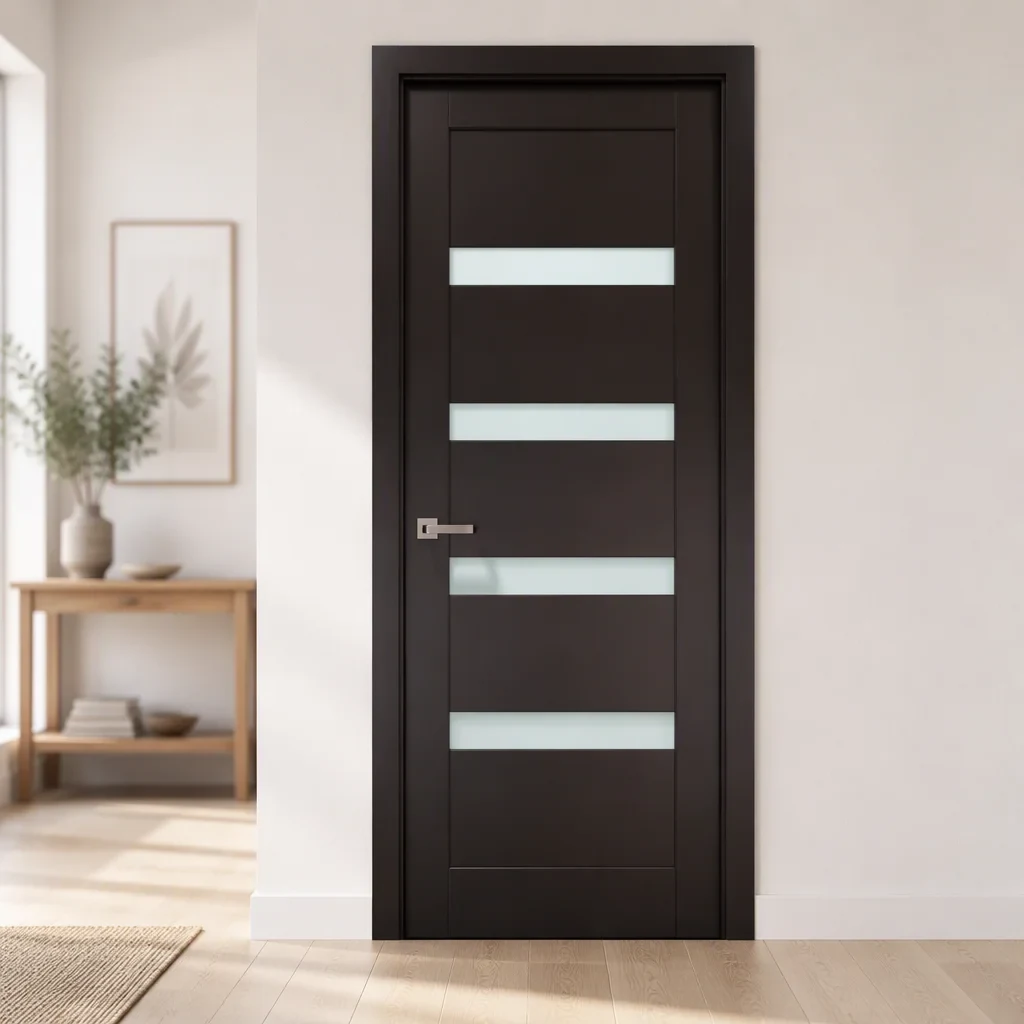

Appearance references for custom quotation. Dimensions, construction, finishes and availability are confirmed for your enquiry.
Explore all 335 references ↗
METAL SCREENS & PARTITIONS
Explore 24 decorative screen and partition references. Coordinate the panel layout, finish and fixing details with your entrance and interior-door selection.
Explore screens & partitions ↗
CAST ALUMINUM GLASS ENTRANCES
Compare glazed entrance designs, from arched profiles to classic grids. Combine your entrance, interior doors and accessories in one enquiry.
Explore glazed entrances ↗LET’S PLAN YOUR DOORS
Tell us the categories, quantities and destination. Drawings and detailed schedules can follow in direct communication.